Understanding Identity Theft
Identity theft occurs when someone unlawfully obtains and uses your personal information—such as your name, credit card number, or social security number—without your permission. This can lead to serious consequences, including financial loss, damaged credit, and legal troubles.
Tips to Protect Yourself
Secure Your Personal Information: Safeguard your sensitive documents like your social security card, passport, and birth certificate. Store them in a safe place and avoid carrying them unnecessarily.
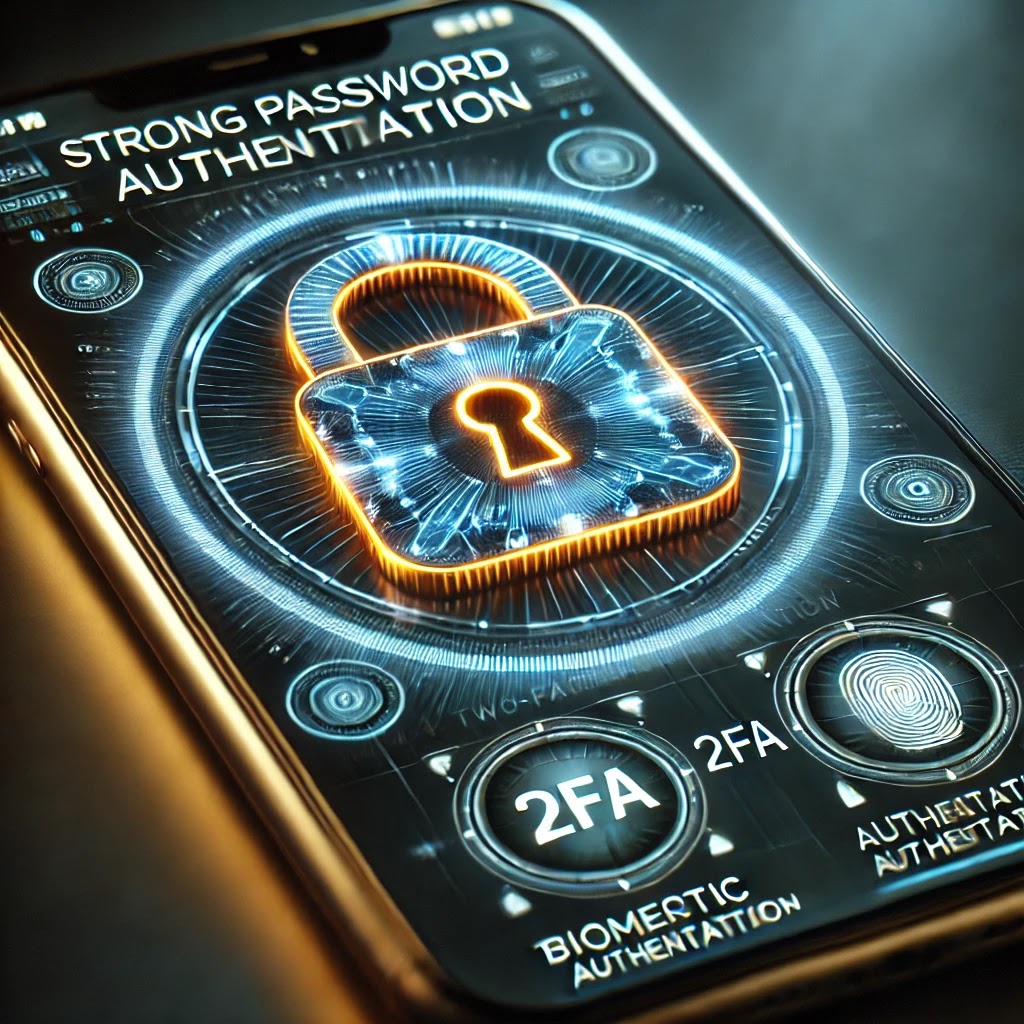
Use Strong Passwords: Create complex passwords that are difficult to guess. Use a combination of letters, numbers, and special characters. Avoid using easily accessible information like birthdays or pet names.
Enable Two-Factor Authentication: Adding an extra layer of security, such as two-factor authentication (2FA), can significantly reduce the risk of unauthorized access to your accounts.
Monitor Your Accounts Regularly: Keep an eye on your bank and credit card statements for any unusual or unauthorized transactions. Report any suspicious activity immediately.
Be Cautious with Phishing Scams: Be wary of unsolicited emails, phone calls, or messages asking for personal information. Verify the identity of the requester before sharing any details.
Use Secure Wi-Fi Connections: Avoid using public Wi-Fi networks for financial transactions or accessing sensitive information. Use a virtual private network (VPN) for a more secure connection.

Update Software and Devices: Regularly update your devices and software to protect against the latest security threats. Enable automatic updates whenever possible.
Shred Sensitive Documents: Shred any documents containing personal information before disposing of them to prevent identity theft through physical means.
Check Your Credit Report: Regularly review your credit report to identify any unauthorized accounts or inquiries. You can request a free credit report from major credit bureaus.
Educate Yourself: Stay informed about the latest identity theft trends and tactics used by cybercriminals. Awareness is your first line of defense.
What to Do If You're a Victim
If you suspect that you've fallen victim to identity theft, take immediate action:
Report to Authorities: File a report with your local police department and the cybercrime.gov.in portal.
Contact Your Financial Institutions: Inform your bank and credit card companies about the fraudulent activity and request new account numbers.
Place a Fraud Alert: Contact one of the major credit bureaus to place a fraud alert on your credit report, which will make it harder for identity thieves to open new accounts in your name.
Close Compromised Accounts: Close any accounts that have been tampered with or opened fraudulently.
Monitor Your Identity: Consider enrolling in an identity theft protection service to continuously monitor your personal information.
Conclusion
While identity theft can be devastating, taking proactive measures can significantly reduce your risk. By staying vigilant and adopting these protective practices, you can safeguard your personal information and enjoy a greater sense of security in the digital age.
Advanced Techniques for Identity Theft Protection
Biometric Authentication: Utilize biometric authentication methods such as fingerprint scanning, facial recognition, and voice recognition. These methods are difficult to replicate and provide an additional layer of security.
Blockchain Technology: Implement blockchain technology for secure identity management. Blockchain's decentralized nature makes it highly resistant to tampering and fraud.
Artificial Intelligence and Machine Learning: Use AI and machine learning algorithms to detect and prevent identity theft. These technologies can analyze patterns and identify suspicious activities in real-time.
Advanced Encryption Techniques: Employ advanced encryption methods such as quantum encryption and homomorphic encryption to protect sensitive data. These techniques ensure that data remains secure even if intercepted.
Behavioral Biometrics: Incorporate behavioral biometrics, which analyze unique user patterns such as typing speed, mouse movements, and device usage. This helps in identifying and preventing unauthorized access.
Automated Identity Theft Prevention Tools: Use automated tools and playbooks to combat identity theft. These tools can include advanced phishing attack prevention and session management techniques.
Passwordless Authentication: Adopt passwordless authentication methods like Windows Hello, which uses biometric data or security keys instead of traditional passwords.
By integrating these advanced techniques, you can significantly enhance your identity theft protection and stay ahead of cybercriminals. Stay vigilant and keep your personal information secure!
#IdentityTheft #DataProtection #CyberSecurity #PersonalSafety #TechTips #OnlineSecurity #StaySafeOnline #ProtectYourData #DigitalSecurity #PrivacyMatters #SecureYourInfo #IdentityProtection #FightFraud #SafeBrowsing #StopScams #CyberAwareness #ProtectYourIdentity #DataPrivacy #StaySecure #FraudPrevention #TechSafety #CyberHygiene #SecureOnline #PreventIdentityTheft #DigitalSafety #OnlinePrivacy #CyberDefence #MalayalamNews #MalayalamLive #Raaganilavu #രാഗനിലാവ് #sbtrendz #sbtrendzhealth #bazznjazz #DABSPAINTS #sbtrendzonline #hometrekkerindia #TrivandrumGarden